Install with Browser (PWA)
Install GEMTOK client for PWA (Browser)
PWA (Progressive Web App) is a web application that combines website features with a mobile app experience, allowing users to install the app on their devices without needing to download it from an app store.
When you install GEMTOK via the PWA feature, you cannot use the desktop integration feature. Install the Windows version of GEMTOK to get all available features.
Install on Chrome Android
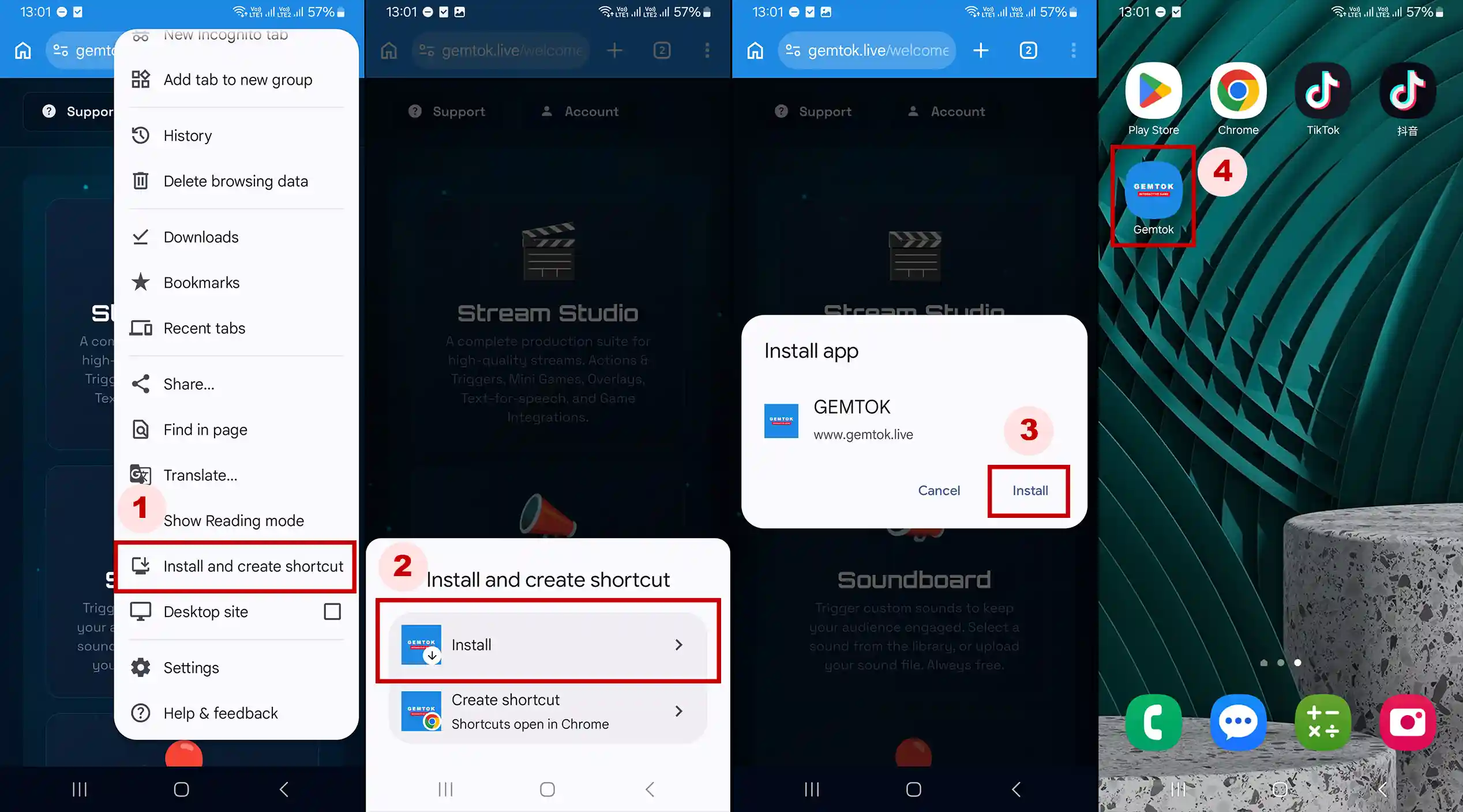
Open www.gemtok.live on Chrome Android
Click menu on Chrome Android, tap Install and create shortcut
Tap Install if a dialog appears.
Tap Install on Install app dialog.
If the installation is successful, the Gemtok icon will appear on the home screen.
Install on Safari iOS
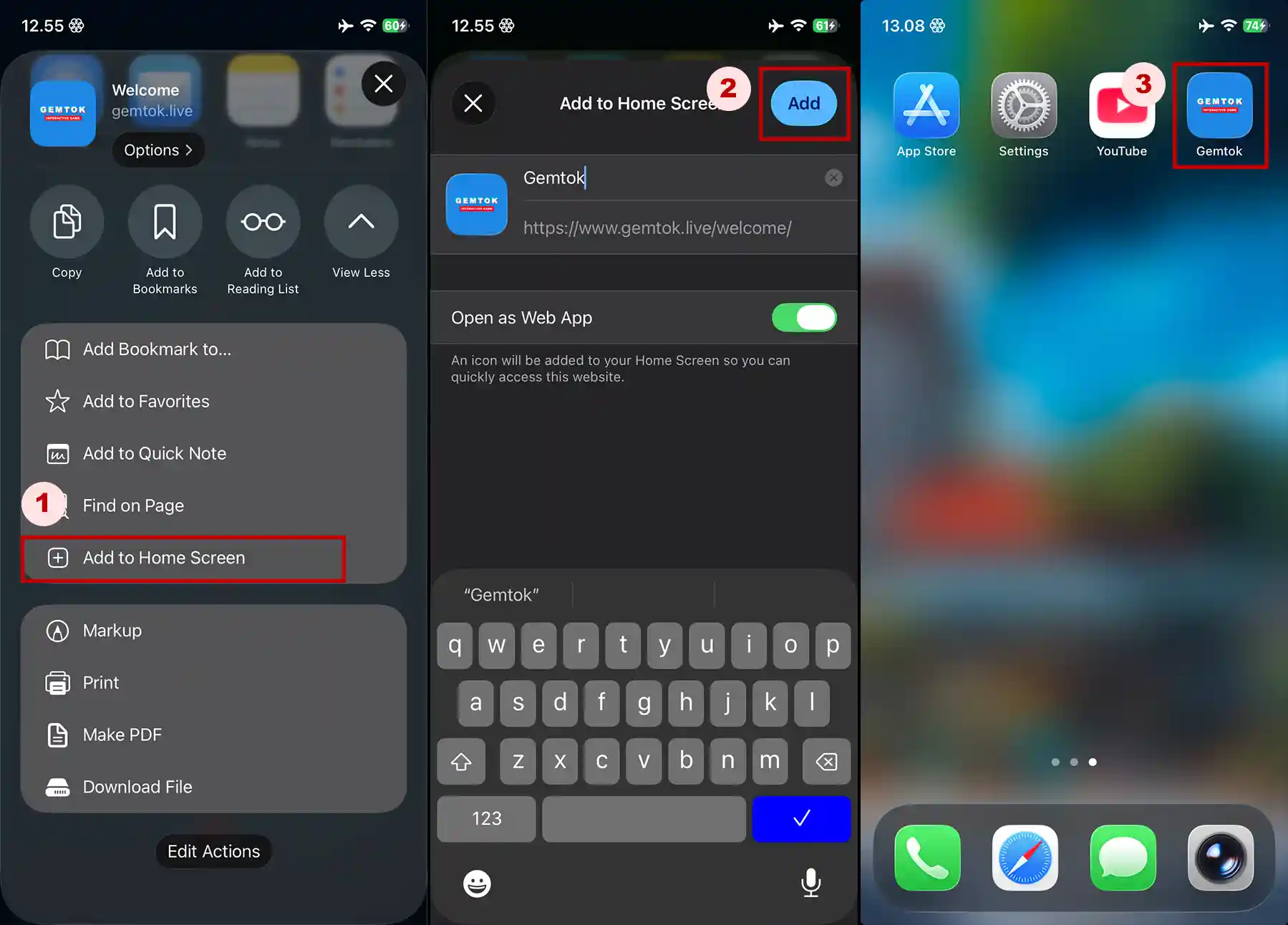
Open www.gemtok.live on Safari (iPhone), then tap Share menu.
Scroll down share menu, tap Add to Home Screen.
Tap Add button
If the installation is successful, the Gemtok icon will appear on the home screen.
Install on Chromium Desktop (Chrome, Edge, Brave, etc)
Open www.gemtok.live on your chromium based browser
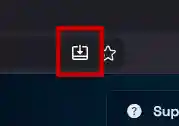
Click Install button on address bar
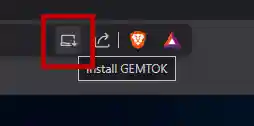
(Brave)
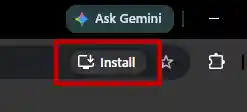
(Chrome)
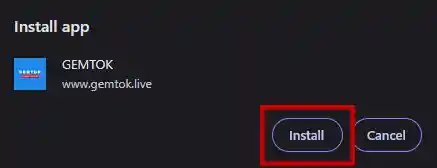
Click Install to start installation.
Install on Firefox Desktop
Open www.gemtok.live on your Firefox
Click Install button on address bar
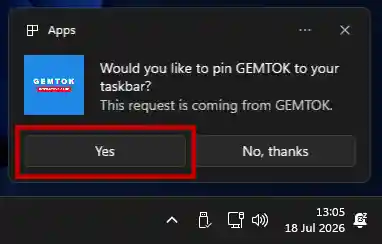
Click Yes to add to your taskbar.